
WordPress hosting comparisons
A Better Alternative to Hostinger for WordPress Hosting
Looking for a better Hostinger alternative? Compare WordPress hosting with database access, Redis, email, SSL, backups, SSH, Git, and Cron Jobs.
Published 2026-07-30 · 6 min read
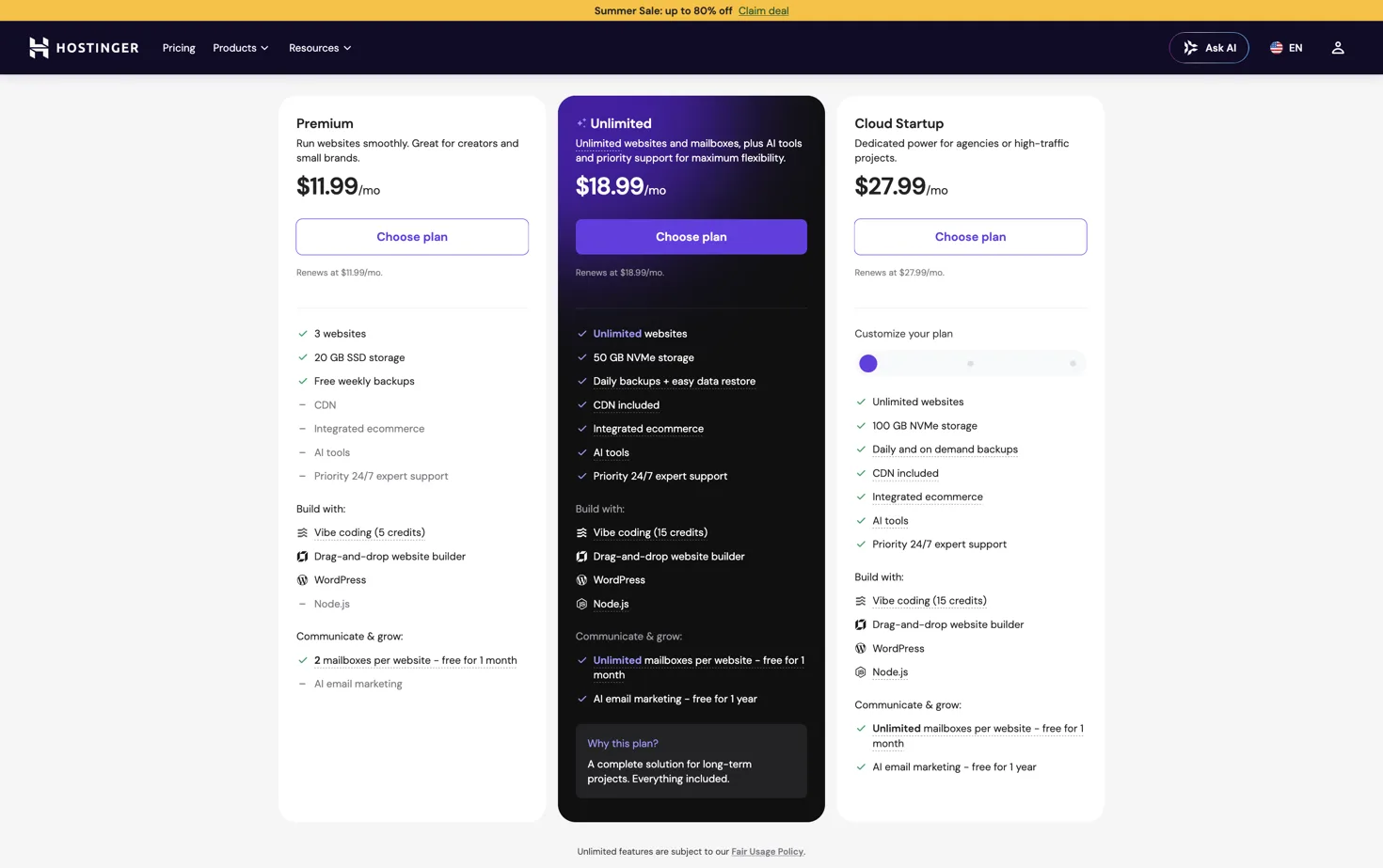
Hostinger is a popular starting point for WordPress, but the lowest-looking price is not always the cost of the complete stack. A WordPress site may also need a database, cache, email, backups, SSL, scheduled jobs, and a deployment workflow.
HostRight is a better alternative when you want those pieces together. Plans start at $2.99/month and include WordPress installation, one MariaDB database, Redis, SSL, daily backups, five email addresses, SSH, Git, and Cron Jobs on Starter.
What changes when you move
| WordPress need | HostRight |
|---|---|
| Install WordPress | WordPress Manager or Softaculous |
| Database | MariaDB included |
| Cache | Redis included |
| Five Starter mailboxes | |
| SSL | Included certificate tools |
| Backups | Daily according to plan |
| Scheduled tasks | Cron Jobs included |
| Developer access | SSH, Git, SFTP, FTP |
HostRight is not trying to replace every Hostinger use case. Hostinger may be a better fit for a larger site bundle or a particular website-builder workflow. HostRight is the better alternative when WordPress needs database access, Redis caching, email, cron, and conventional hosting controls.
A practical migration path
- Order a HostRight plan and add the domain.
- Create the MariaDB database and WordPress mailbox.
- Copy the current WordPress files and database export.
- Import the database and update the WordPress connection settings.
- Test the staging or temporary domain before changing DNS.
- Copy the web and email DNS records, then switch the domain.
- Enable SSL and confirm WordPress URLs, permalinks, media, email, and Redis cache.
Keep the old site available until the new site has passed a full content, checkout, form, and email test. The external DNS guide explains how to preserve MX, SPF, DKIM, and other records during the move.
When Hostinger may still be the better choice
Choose Hostinger when its plan gives you the exact storage, website count, builder, or promotional term you need. Choose HostRight when the important requirement is a predictable, developer-friendly WordPress stack with database, Redis, email, backups, SSH, Git, and Cron Jobs close to the site.
Read the full HostRight vs Hostinger comparison and the affordable WordPress hosting guide.