
Application hosting
MyWebSQL hosting
Install MyWebSQL with Softaculous and use it as a browser-based database administration tool.
MyWebSQL on HostRight
MyWebSQL is a browser-based database administration tool. It can be useful for inspecting tables, running queries and importing small SQL files when phpMyAdmin is not the preferred interface. It is not a database server and should not be treated as a public application.
Access Softaculous and search
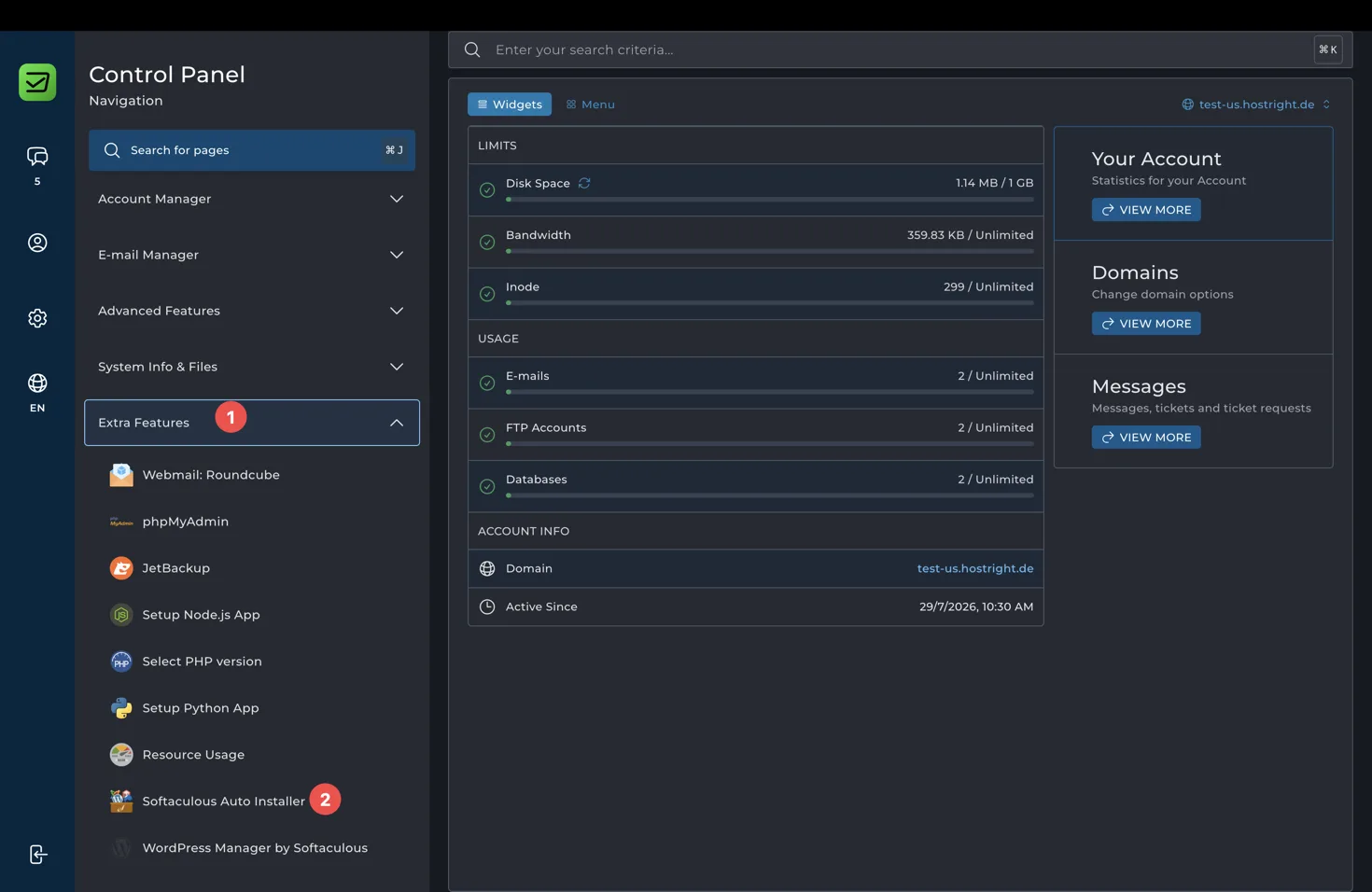
Open Extra Features in the Control Panel and select Softaculous Auto Installer.
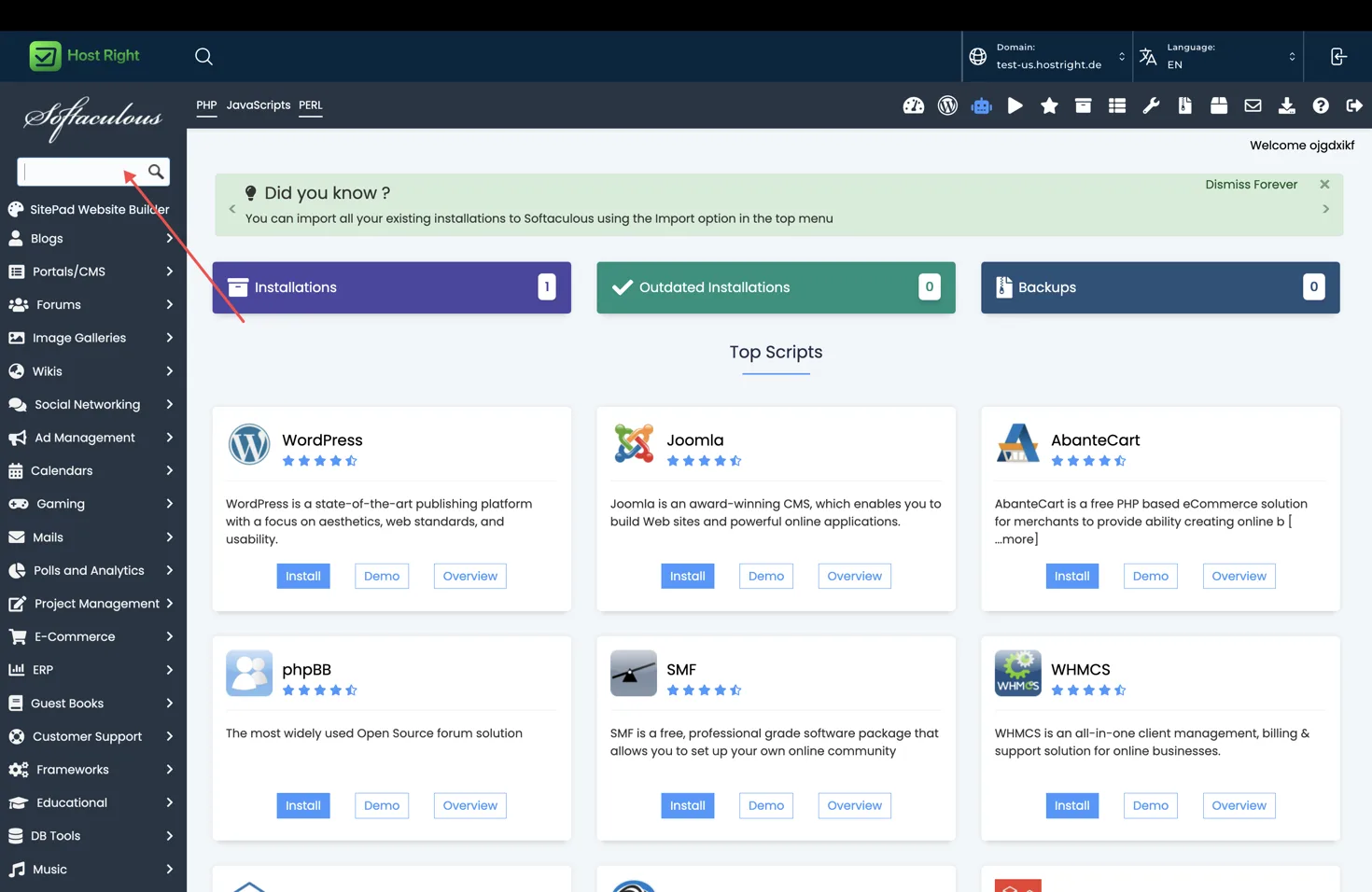
Use the search field to find the application, open its overview, and select Install.
Install with Softaculous
Open Extra Features > Softaculous Auto Installer, search for MyWebSQL, open the overview and select Install. Choose HTTPS, a domain or restricted directory, and a strong administrator password if the application version provides one.
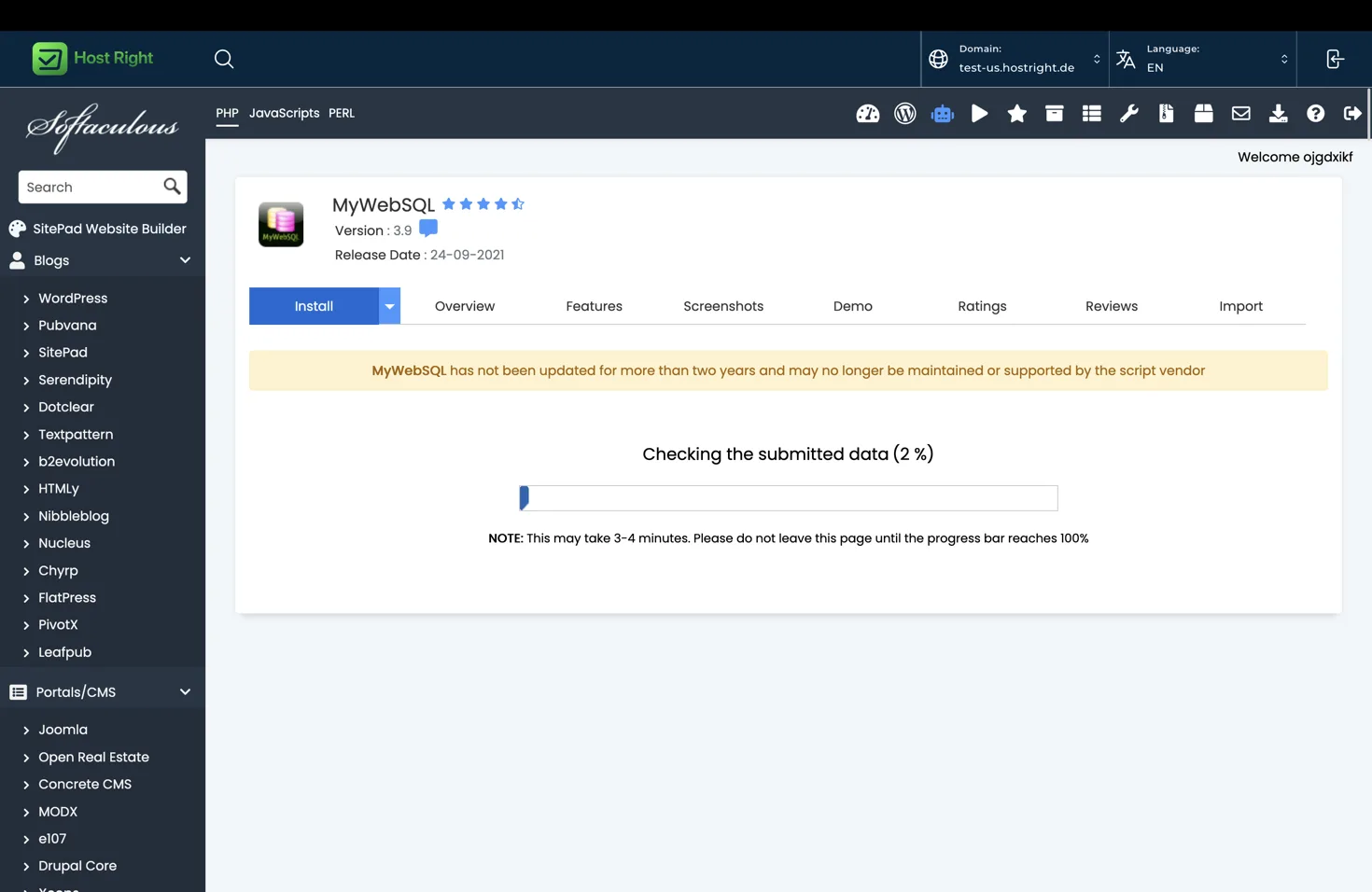
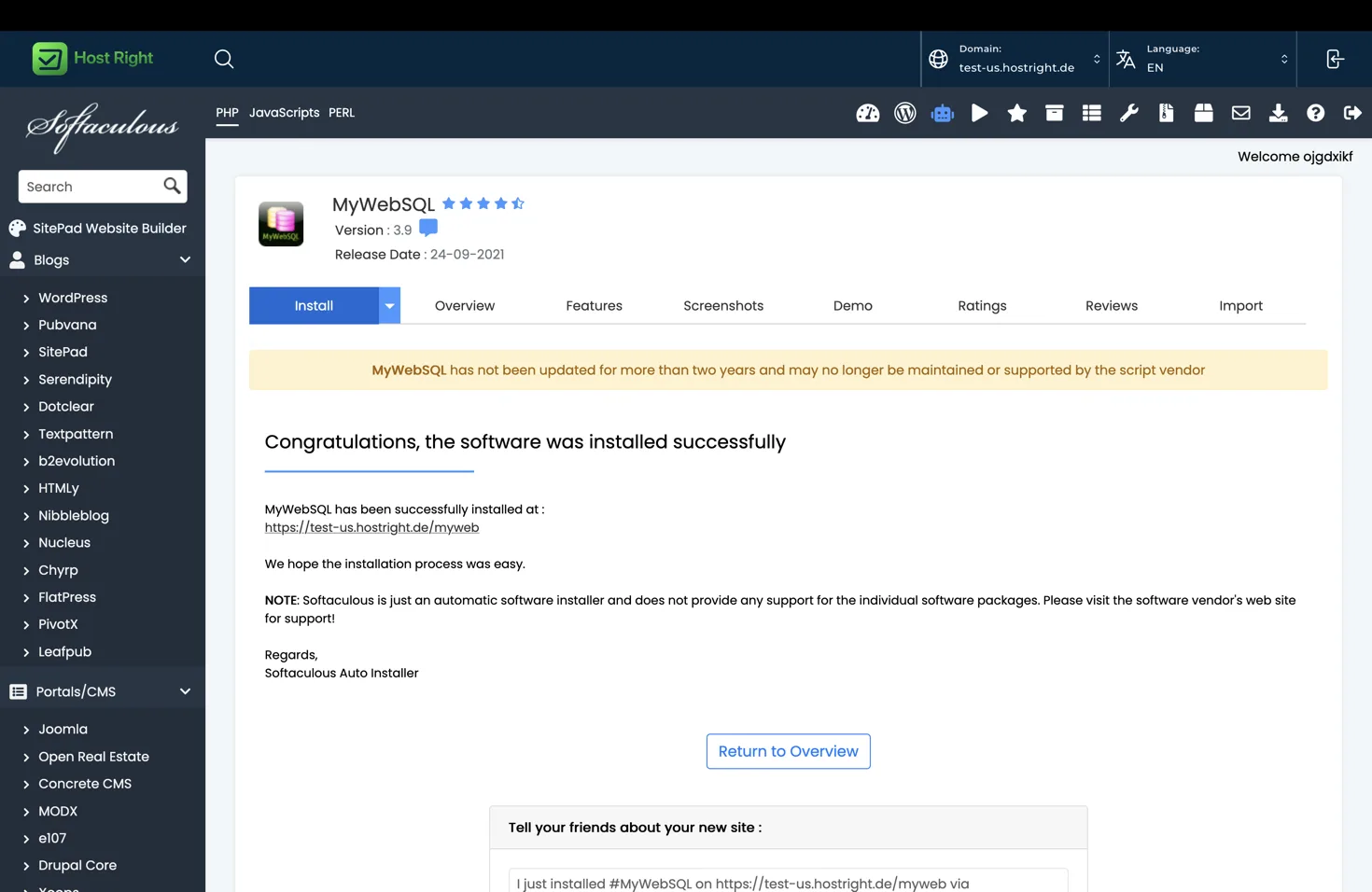
Review the installation path and database settings, then select Install. Wait for the progress screen to complete and save the access URL shown by Softaculous.
Secure the installation
Do not leave a database administration tool open to the entire internet without protection. Use a difficult URL, a separate access account, directory protection or an IP restriction where available. Always use HTTPS and remove the tool when it is no longer needed.
Complete SSL setup before entering database credentials.
Database access
Create the database and user from the HostRight database tools, then grant only the permissions required. MyWebSQL connects to the database server using those credentials. Use database management for the normal creation and access workflow.
Avoid using a browser database tool for large imports or destructive changes. Take a backup, test SQL in a safe database, and use SSH or an approved migration process for repeatable changes.
Updates and removal
MyWebSQL is an administrative tool, so keep it updated and remove it when not needed. Softaculous may show backup, restore and removal actions for the installation. Treat removal as destructive and verify that you are not deleting the database itself by accident.