
Application hosting
Deploy a Next.js app as a static export
Configure Next.js output export, build the out directory, upload it to HostRight, and understand which server features require Node.js hosting.
Next.js can run on HostRight as a Node.js application when it needs server-side rendering, API routes, or server actions. If the site only needs pre-rendered HTML, CSS, and JavaScript, export it as a static site and upload the generated files.
Configure static export
Set output: "export" in next.config.js or next.config.mjs:
/** @type {import('next').NextConfig} */
const nextConfig = {
  output: "export",
  trailingSlash: true,
};

export default nextConfig;
Run:
npm ci
npm run build
Next.js writes the static export to out/. Upload the contents of out/, including index.html and the generated _next/ directory.
Static export limitations
Static export cannot execute server actions, API routes, dynamic server code, or the default image optimizer. Use a configured unoptimized image loader or a static image strategy. Dynamic pages must be generated at build time and use data sources available during the build.
If the app needs private environment variables, database access, authenticated server rendering, or request-time personalization, deploy it as a Node.js application instead of a static export.
Upload to HostRight
Add the domain to HostRight and upload the out/ contents into the domain's public directory. Keep index.html at the public root.
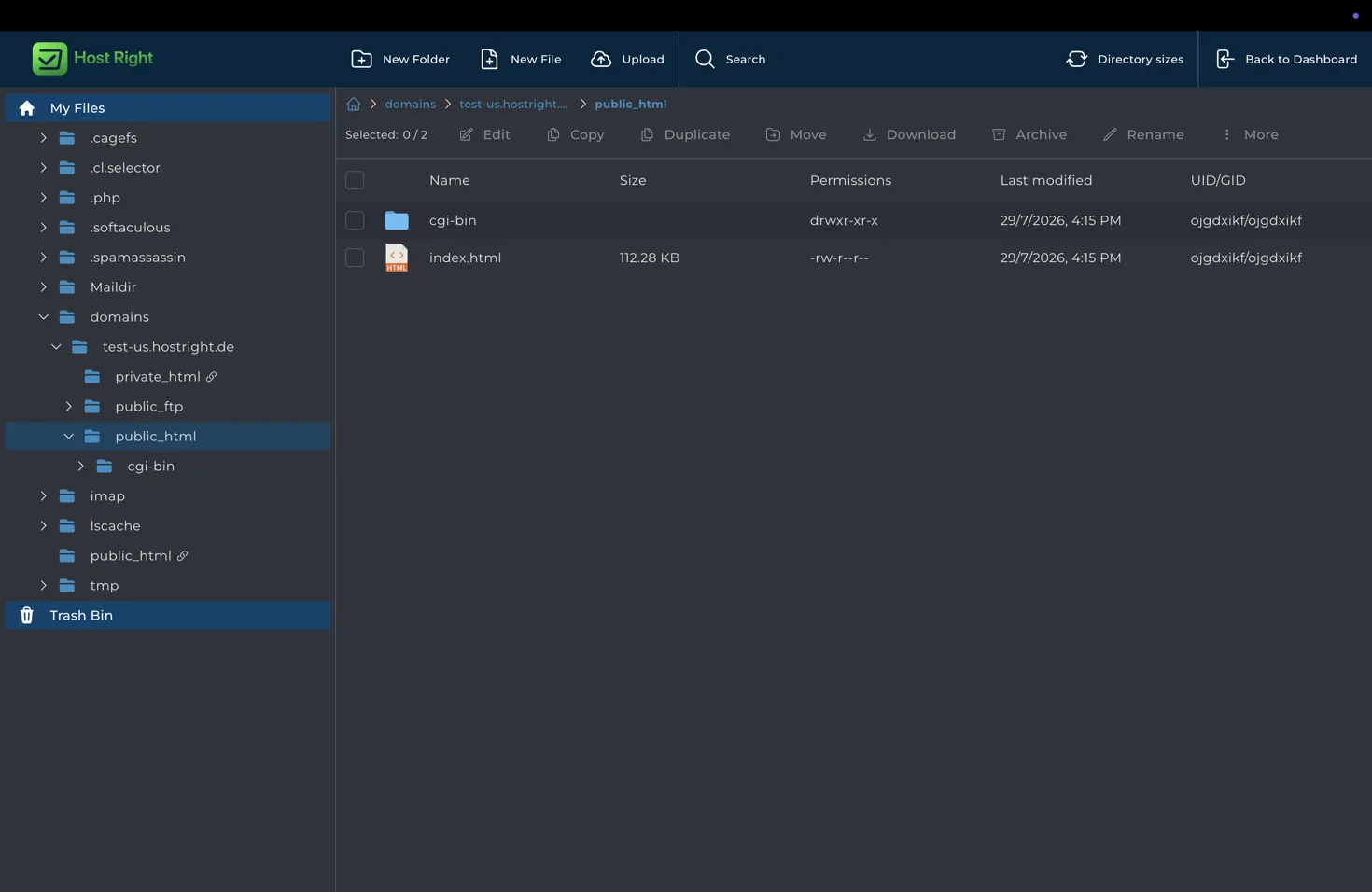
Use Git or SFTP for deployments. The build machine needs Node.js, but the HostRight static site does not need a running Node.js process after upload.
Test routes and assets
Use trailingSlash: true when you want route directories with index.html, which are easier for ordinary web servers to serve. Test /, nested routes, links, images, fonts, metadata, and a direct browser refresh.
Domain, DNS, and HTTPS
Point the domain's web records to HostRight, preserve email records when DNS is external, and wait for DNS to resolve. Then open Account Manager → SSL Certificates and provision HTTPS.

For server-rendered Next.js, use Node.js application hosting instead. For the shared static workflow, see static hosting.