
Application hosting
Host an Astro site as a static website
Build an Astro site, upload the dist output to HostRight, publish framework components, connect a domain, and enable SSL.
Astro is designed for content-focused sites that can deliver mostly pre-rendered HTML. It can use React, Vue, Svelte, or other components while still producing a static site suitable for HostRight shared hosting.
Build Astro
Install dependencies and create a production build:
npm ci
npm run build
Astro writes the static output to dist/ by default. Upload its contents:
dist/
├── index.html
├── assets/
└── images/
Use Astro's static output for pages that can be generated during the build. If you enable server output, deploy through a compatible Node.js adapter instead.
Upload the site
Connect the domain in HostRight, then upload the contents of dist/ to the public directory. Use Git or SFTP for repeatable publishing.
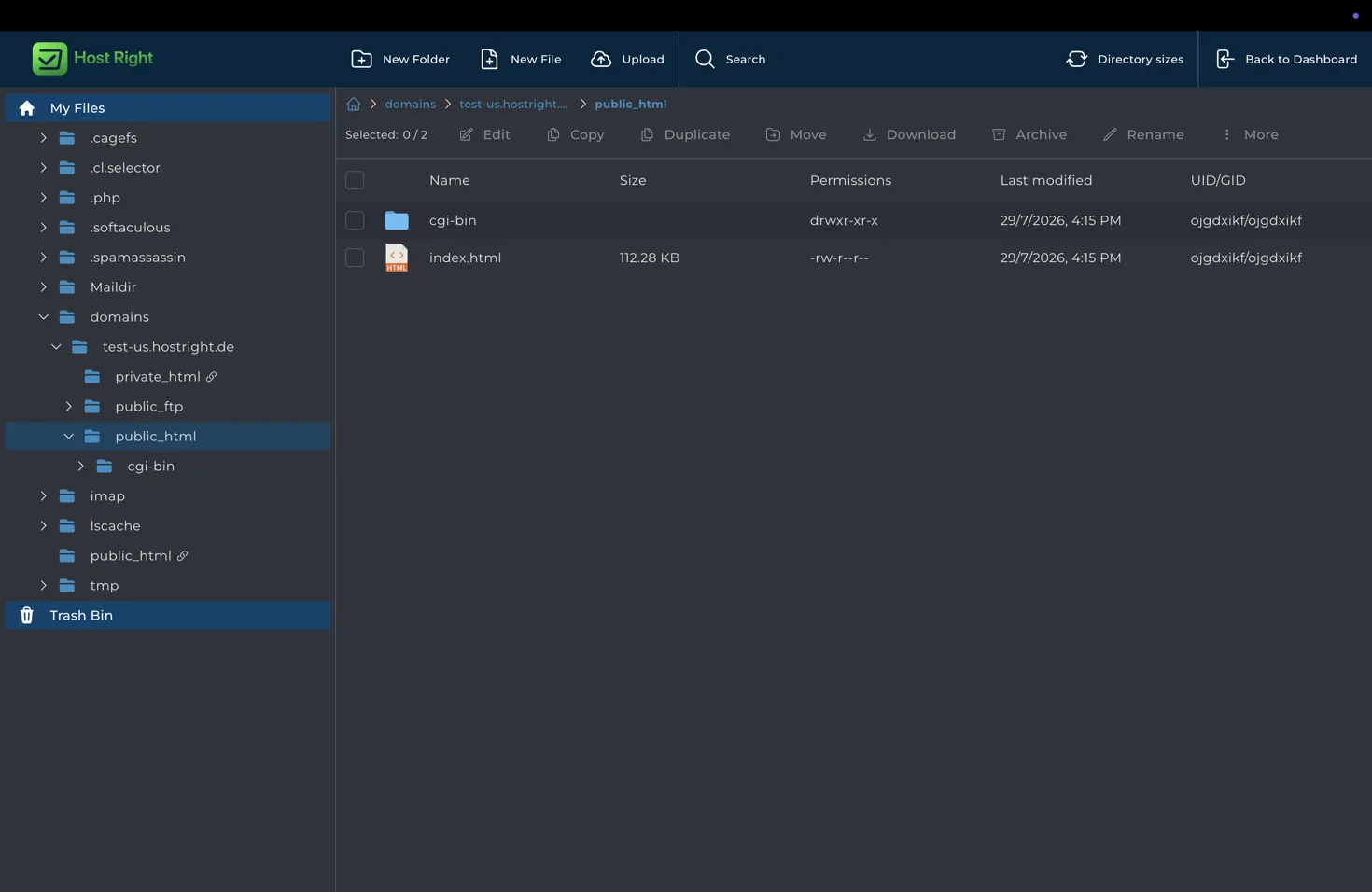
Test internal links, generated routes, images, fonts, RSS feeds, sitemap output, and page metadata. If a route is generated as a directory, confirm its index.html is present.
Add dynamic behavior safely
Astro islands can add browser interactivity, but browser code cannot contain private credentials. Put forms, database work, user sessions, and private integrations behind an API or server-side application.
Enable SSL and launch
Point DNS to HostRight, provision the certificate, and test the site over HTTPS.

Astro is a strong choice for documentation, landing pages, blogs, and marketing sites where fast static HTML matters more than a persistent application server.