
Application hosting
Host a React app as a static website
Build a React app with Vite, upload the dist folder to HostRight, configure SPA routes, connect a domain, and enable SSL.
React is a good fit for static hosting when the browser can render the application and API requests go to a separate backend. HostRight serves the compiled HTML, JavaScript, CSS, and images from the domain without keeping a Node.js process running.
Build the React project
For a Vite React project, install dependencies and create a production build locally:
npm ci
npm run build
Vite writes the production site to dist/ by default. Inspect the folder before uploading it:
dist/
├── index.html
└── assets/
Do not upload node_modules/ or your local .env files. Use build-time environment variables for public values only; secrets must remain on a server-side API.
Set the public base path
If the app is served from the domain root, the normal Vite base path / is correct. If it is served from a subdirectory, set the appropriate base value in vite.config.ts, rebuild, and confirm asset URLs use that prefix.
Upload to HostRight
Connect the domain to HostRight, then upload the contents of dist/ into the domain's public directory. Use Git, SFTP, or the Control Panel file manager.
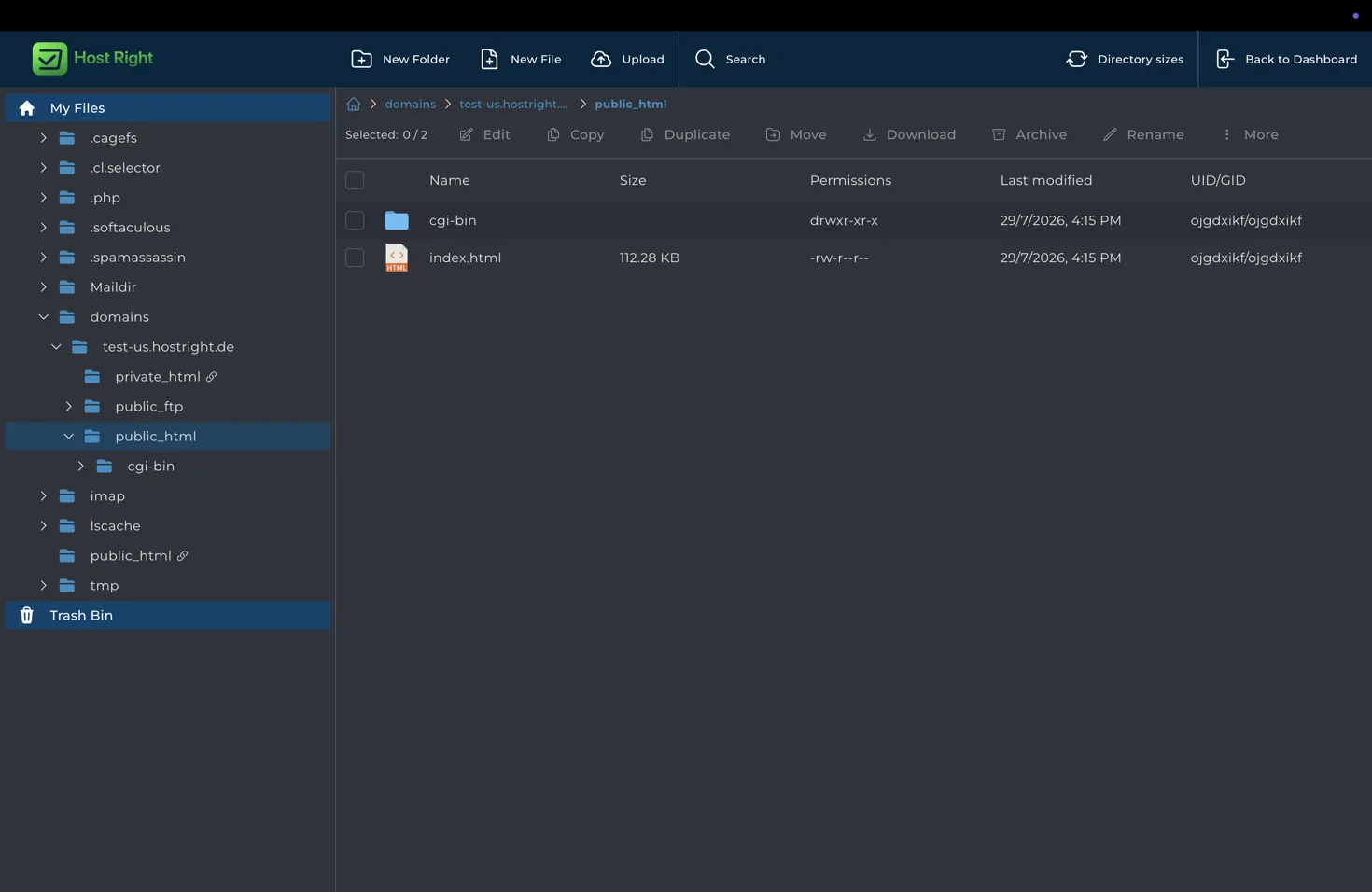
The public directory should contain index.html directly. A common mistake is uploading dist as a subfolder and leaving the public directory without an index file.
Handle React Router routes
If the app uses React Router with browser history, direct requests such as /settings must return the same index.html used by /. Configure the host's SPA fallback if available. If a fallback is not available, use hash routing or emit route-specific HTML through a static-site workflow.
Test every important route by opening it directly in a private browser window and refreshing it.
Connect APIs, databases, and authentication
Static React code runs in the visitor's browser. It can call a hosted API, but it cannot safely contain a database password or private API key. Use a HostRight PHP, Python, or Node.js backend for authenticated data, database access, payments, and webhooks.
The browser can call a public API endpoint, but configure CORS, HTTPS, authentication, and rate limiting on that backend. See Node.js application hosting or PHP application hosting for server-side workloads.
Enable SSL
After the domain resolves to HostRight, open Account Manager → SSL Certificates and request the certificate.

Verify the home page, assets, client-side routes, API calls, forms, and HTTPS redirect before launch. For the shared workflow, see static hosting.